Already filmed?
Then start with that.
You need no new match and no tripod to try Raqet AI. Take footage you already have, import it, and the AI splits it into single rallies.
- No tripod, no new match needed
- Straight from your photo library
- 8 hours of analysis time per month for free
- The analysis runs on your iPhone
What your video needs
- Landscape
- The whole court in frame
- At least HD
- 1280 × 720 or more
- 60 fps
- Frames per second, not 30
If something does not fit, Raqet AI tells you right at import. A 30 fps video cannot be converted afterwards.
The fastest way to try it
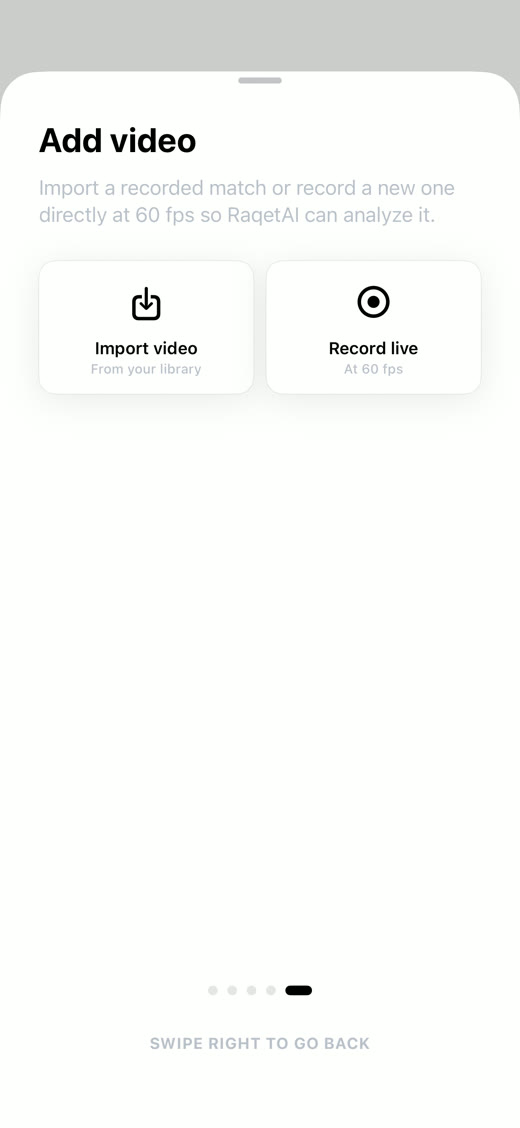
Your first analysis needs no court booking and no setup. Open Raqet AI, choose import instead of live recording and pick a match from your photo library.
The AI treats imported video exactly like a live recording. Imports count toward your free 8 hours of analysis time per month, just like live recording.
What your footage has to bring
Three things are required: landscape, at least HD resolution and 60 frames per second. The 60 frames matter most, because only then can the AI cleanly split fast rallies into single points. If something does not fit, Raqet AI tells you right at import.
How your iPhone records is set under Settings, Camera, Record Video. Switch to 60 fps there before you film next time. For a video already shot at 30 frames, there is no fixing it afterwards: the missing frames simply are not there.
- Settings
- Camera
- Record Video
- 1080p HD, 60 fps
The analysis runs on your iPhone
Nothing gets uploaded. The AI works right on your device, so you need neither Wi-Fi nor patience for a queue.
You can leave the app while it works. Progress shows in the Live Activity, and if iOS ends the background time, the analysis picks up exactly where it stopped the next time you open the app.
Match · 102 points detected
After that it is a match like any other
The imported match lands in your library with date and point count. Double tap to jump from point to point, fix any cut that sits wrong and export single rallies in 16:9 or 9:16.
Questions & answers
Frequently asked questions
For iPhone recordings it comes down to the setting under Settings, Camera, Record Video. In the Photos app you can also see a video's details via the info button. And if the frame rate does not fit, Raqet AI tells you at import.
No. Converting creates no new frames, the movement between two captures stays the same. For your next recording, switch to 60 fps up front.
No, the footage has to be landscape. That is the only way the whole court is in frame, and the detection is built for that. You can still export in 9:16 for Reels and TikTok afterwards.
Not necessarily. What counts is the footage itself: landscape, at least HD and 60 frames per second. If the video sits in your photo library, you can import it.
As many as you like, as long as your analysis time lasts: on the free plan the AI analyses 8 hours of footage per month, live recording and imports combined. With Pro there is no limit.
Keep reading
Related topics
Your next match may already be on your iPhone.
Download Raqet AI for free and let it analyse a video you already have.